Google has improved the workflow for converting Google Slides to Vids. Now, when importing Google Slides into Vids with Gemini enabled, you can review and edit the AI-generated scripts for each slide before a video draft is created.
Previously, you could only edit the script after the import was finished, but now you can finalize the script before voiceovers and animations are applied.
Table of Contents
What’s Changing
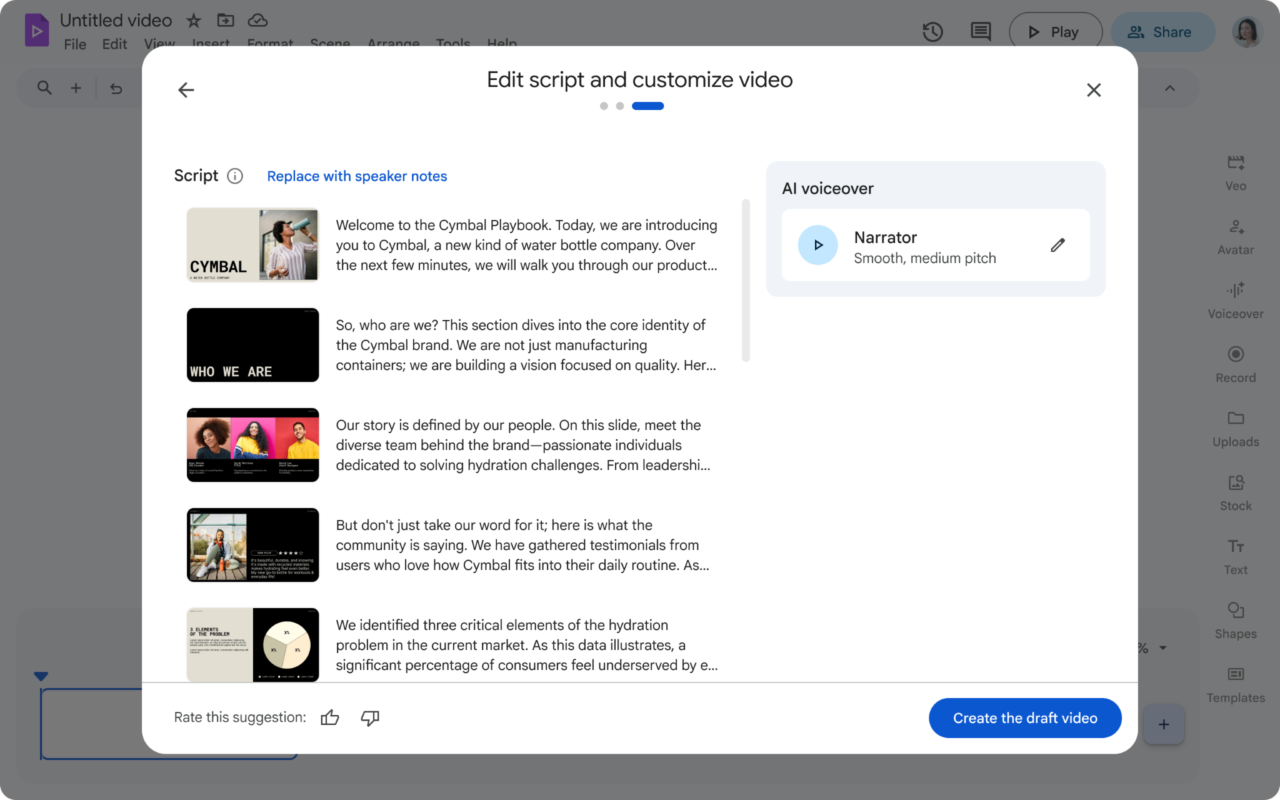
This change goes beyond simple convenience. Google explains that users can refine the AI-generated scripts or replace them with existing speaker notes if needed. This feature is enabled by default, and to view the script editing screen, the “Include AI voiceover, script, background music and animation” option must be active.
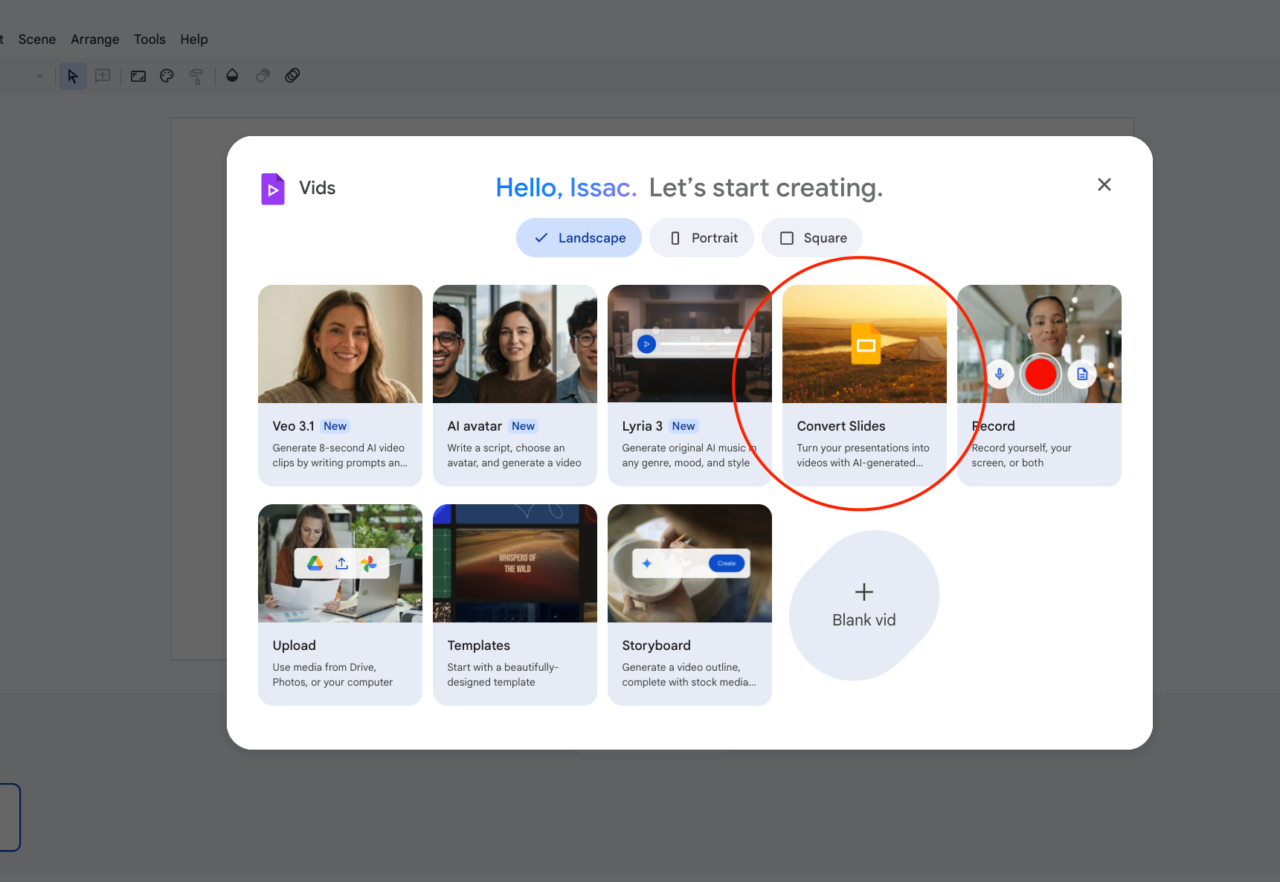
From a usability perspective, the key takeaway is that script review now happens earlier. By allowing you to handle script revisions—which typically require the most manual tweaking—before generating the draft, converting a sales deck or lesson plan has become far smoother, just as Google described.
Limitations: According to the official documentation, if you have AI features enabled and want to select more than 45 slides, you must turn off the automatic generation option. In contrast, standard imports allow you to select up to 100 slides.
Target Audience & Rollout Schedule
Supported targets include a wide range of plans such as Business Starter, Standard, Plus, Enterprise Starter, Standard, Plus, Education Plus, and Google AI Plus, Pro, and Ultra.
- Rapid Release domains: Gradual rollout starting March 31, 2026
- Scheduled Release domains: Full rollout starting April 14, 2026
Compared to Competitors
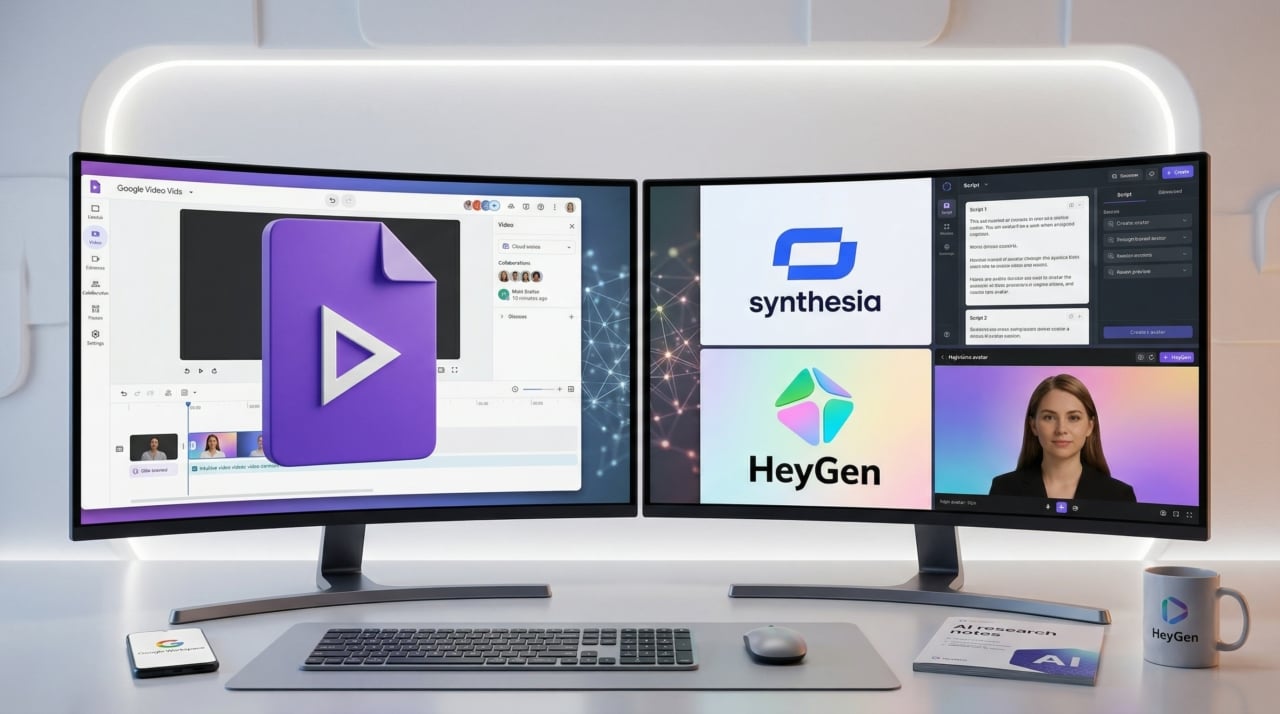
A notable competitor is HeyGen. HeyGen’s PPT/PDF to Video feature specializes in converting presentations into editable layouts for avatar-centric videos. However, it lacks native integration seamlessly running through the Google ecosystem. Therefore, it is better suited for users quickly creating external promotional explainer videos or avatar content.
Another direct competitor is Synthesia. When importing PowerPoint, Synthesia extracts text and image elements, separating the speaker notes into a video script. While its standardized corporate training video quality is excellent, it differs from the intuitive flow of Google Vids, where you start directly from Slides and refine the script right away.
In summary, HeyGen is ideal for avatar-driven external presentations, and Synthesia suits large-scale corporate training videos. With this update, Google Vids has sharply defined its competitive edge in ‘work-centric’ use cases, allowing you to convert slide documents into explainer videos with minimal friction.
Market Impact of This Event
The market impact of this update is significant. While past competition among AI video tools largely focused on visual perfection, this shift moves the battleground to “how frictionlessly existing documents can be turned into video”.
The impact will be especially pronounced in global organizations that already have an overwhelming amount of slide-based assets, such as internal training, sales pitches, and team updates. Being able to independently manage everything up to the script within the Workspace ecosystem—without external tools—can act as a powerful lock-in defense for the Google Vids video-generation ecosystem.
Summary: This Vids update is not just a simple script review tool; it is a decisive shift that eliminates the key bottleneck from slide to video production, elevating Vids into an overwhelmingly practical work tool.
Official Reference: Google Workspace Updates: Google Vids AI script editing update